Folders and pins
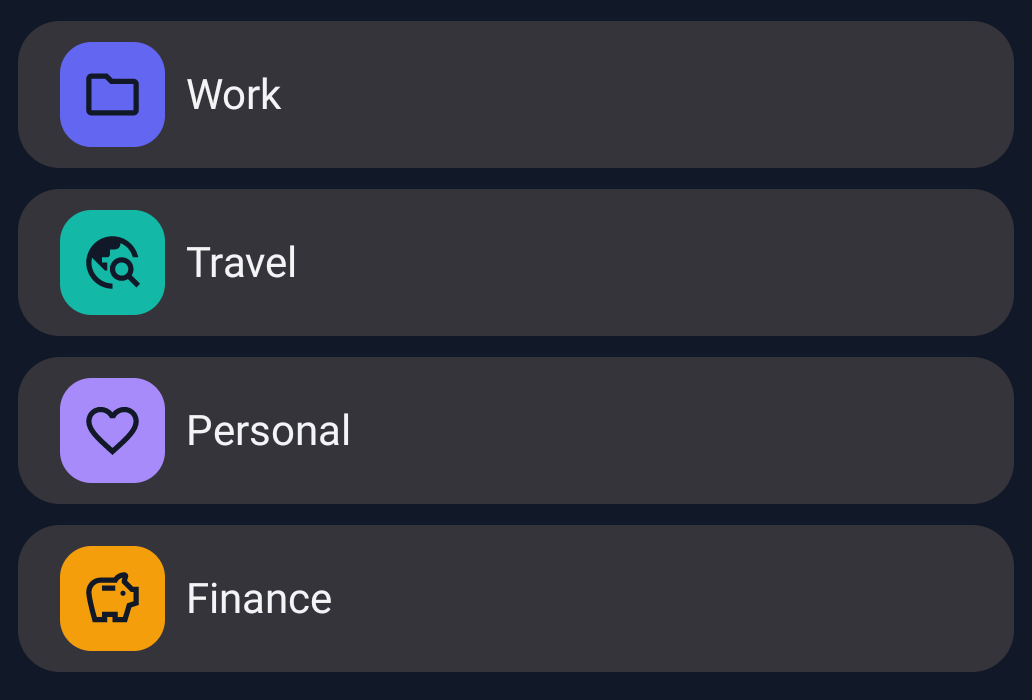
Group clips in folders. Pin your go-to items so they stay easy to find.
 Cliperino
Clipboard manager for Android
Save useful text, links, and images. Organize them into folders, turn replies into templates, and keep them ready to paste.
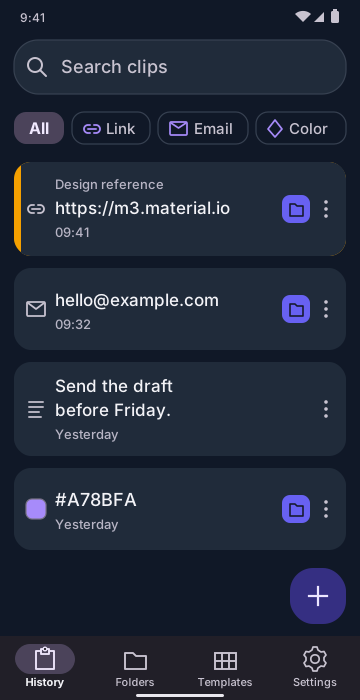
From the reply you send every week to the idea you don’t want to lose.
Group clips in folders. Pin your go-to items so they stay easy to find.
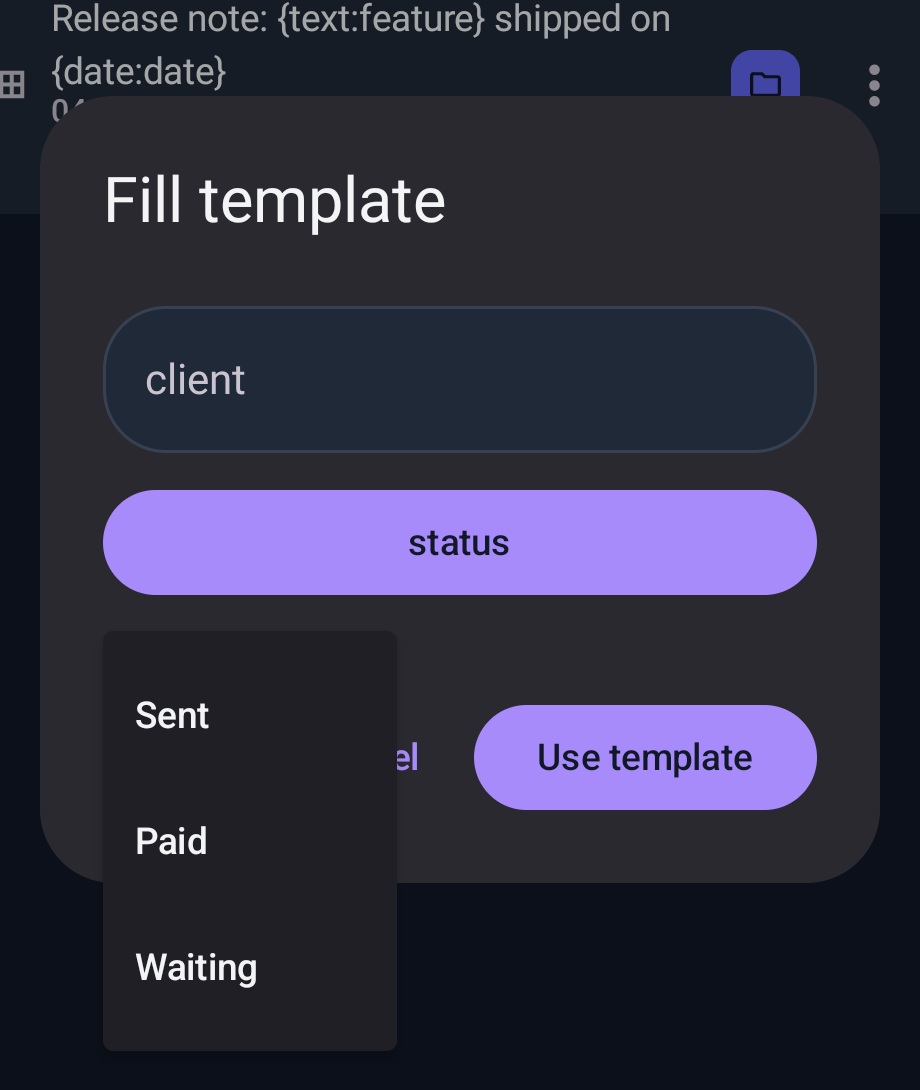
Turn regular replies into templates. Fill in the variables instead of starting over.
Keep images alongside your clips, or extract text from an image with OCR.
Access saved clips over other apps with the optional floating overlay.
Mark sensitive clips, templates, images, or folders as protected, and unlock them with your local PIN.
Export a local backup and restore it when you need to bring your library back.
Encrypted sync for your clips, folders, and templates, using your own Google Drive.